 Close
Close


Connecting to the UCL Imagestore
This guide shows you show to connect to the UCL Imagestore image library.
This guide is aimed at...
- all
Before you start...
You will need a computer connected to the internet
Your UCL user ID and password
Instructions
1. In the address bar of your favourite web browse type: Imagestore.
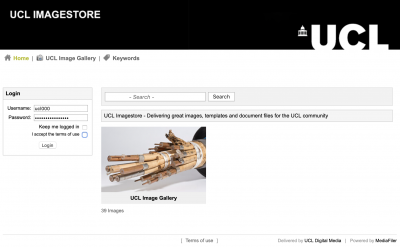
Fig 1 – Main Imagestore screen
At the log in box on the left hand side of your screen type in your UCL user ID and password. At this point the system is not linked to SSO so please do not add @ucl.ac.uk to to your username.
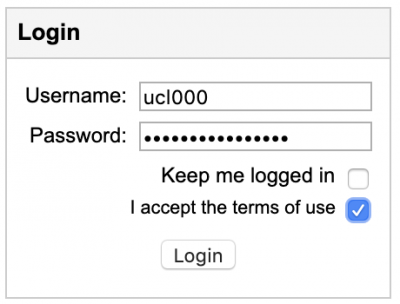
Fig 2 – Log in box
Once you have done this, click Log in
As a first time user you should be aware of the "Terms and Conditions" of using this system. Particularly, how and where you can use the files that are stored within UCL Imagestore. You need to tick the 'I accept the terms of use' "Terms and Conditions" box, before logging in. The system reminds you to do this.
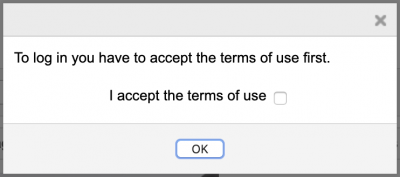
Fig 3 – Log in reminder
Then click on OK. Please note that by logging in to the system you have agreed to abide by these Terms and Conditions.
Feedback
We are continually improving our website. Please provide any feedback using the feedback form.
Please note: This form is only to provide feedback. If you require IT support please contact the IT Services Help desk. We can only respond to UCL email addresses.