Electronic journals
Accessing electronic journals
UCL electronic journals
If you are accessing UCL ejournals from a computer on the UCL network, most will not require any login. Some titles require a UCL userid and password for access. A few titles require an individual username and password, for which you can link to the password information, but only if you are accessing it from a computer on the UCL network.
Most UCL electronic journals are available to all library users.
NHS Staff may access most UCL electronic journals from dedicated computers situated on the ground floor of the library. Please ask at the issue desk for details.
NHS electronic journals
An NHS ATHENS account is required. When you log in you will also see details of the print journals available from the Royal Free Hospital Medical Library.
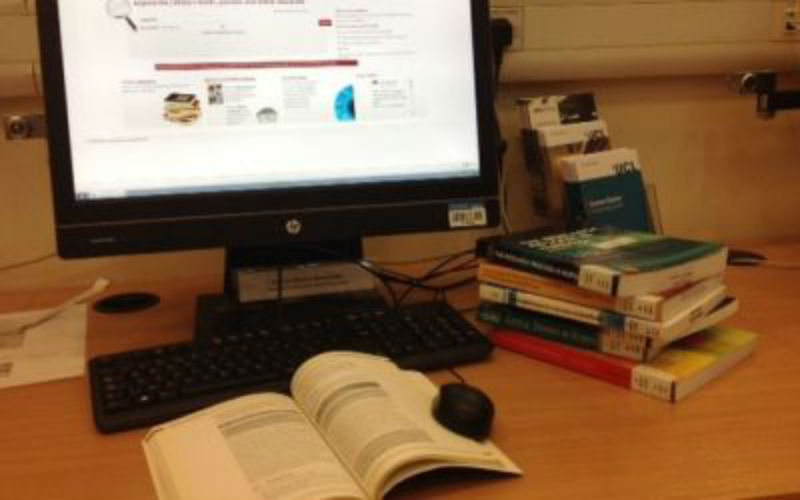
NHS Staff may additionally access most UCL electronic journals and selected databases from dedicated computers situated on the ground floor of the library. Please ask at the issue desk for details.
Need help? We offer a range of training courses and support.
Freely available electronic journals
The following sites contain details of electronic journal titles where at least some of the content is available free to anyone with access to the Internet.
Table of contents alerting services
Many publishers allow users to sign up to a free alerting service which emails the table of contents of journal issues to you, whenever an issue is published. Usually a link is available from the journal home page from where you can sign up for the service.
- TicTocs is a free online service which provides tables of contents and offers RSS feeds for new content, for over 12 000 journals
- Zetoc is a service through which you can set up table of contents email alerts for around 20,000 journals. UCL staff and students must log in with their UCL userid. NHS staff must log in with an ATHENS account.
RSS feeds
What is RSS?
RSS allows you to view updates to your favourite websites automatically; once you subscribe to the RSS feed of a site, you will be notified of all updates that are made to it. You can subscribe to as many feeds as you like, with the updates for them all being shown in one place. Therefore you are not spending time searching all your favourite websites for updated and/or new information.
In order to receive an RSS feed, you need to either download and install a reader program onto your PC or subscribe to a web-based RSS reader. You then have to tell your reader which RSS feeds you would like to subscribe to. Depending on the reader you choose, you will be notified of updates in a variety of ways. Most readers which are installed on your PC run in the background whenever you are logged on. An alert is produced whenever a new item is received, much like you are notified when you receive a new email. The web-based readers require you to log on and can be set up to only display new items or items you have yet to read.
Where can I get an RSS reader?
The BBC website has produced a simple guide to RSS feeds, and has provided links to a variety of RSS readers. Which one you choose will depend on the type of computer you have and how you use it.
If you always use the same computer (and can load software onto it) you may be best to download and install a reader. This has the advantage that you won't have yet another password to remember and can be instantly notified when an update is made. If you use a variety of different computers you may find it better to subscribe to a web-based reader. You can then log in to read your updates from any computer connected to the internet.
Most RSS readers and all RSS feeds are free to download and subscribe to. |