Royal Free London Library Services
Royal Free London Library Services includes the libraries at the Royal Free and Barnet Hospitals, providing services to staff of the Royal Free London NHS Foundation Trust and staff and students of UCL.
The Royal Free Hospital Medical Library (RFHML) is open to staff and students working and studying at the Royal Free Hospital, between 09:00 - 21:00 Monday - Friday and 10:00 - 18:00 on Saturday. We regret that it may be necessary on occasion to close the RFHML early at 18:00 or on Saturdays. Please visit the UCL Library Services website for daily opening hours.
Barnet Hospital Library (BHL), is open Monday - Friday 09:00 - 17:00. Library staff are available to answer enquiries at the BHL between 10:00 - 15:00 Tuesday - Thursday.
Please email us at rlibrary@ucl.ac.uk with any questions, or to book an appointment with a member of the library team.
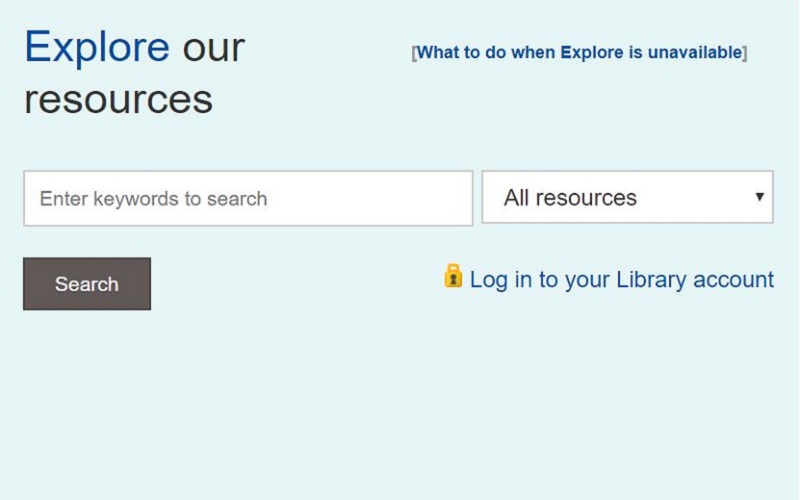
Search the Library catalogue online via Explore. Find print collections at the Royal Free Hospital Medical Library.
Find out more about the electronic and print resources accessible to UCL and NHS users.
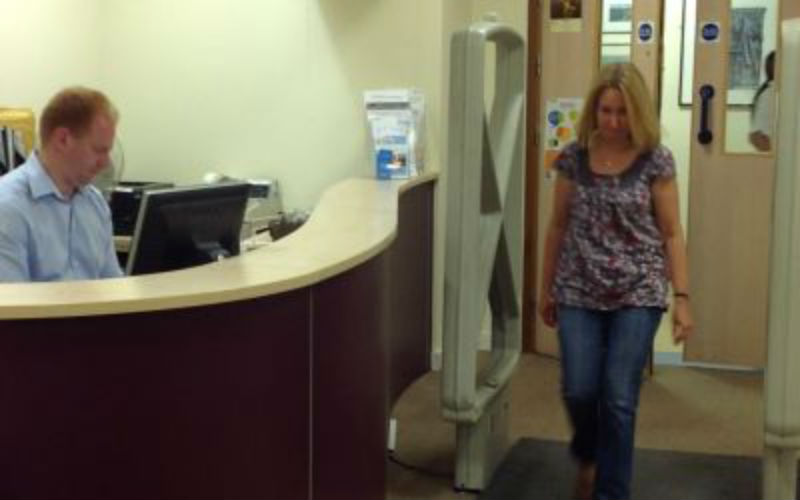
Everything you need to know about using the library services including joining the library and borrowing books.
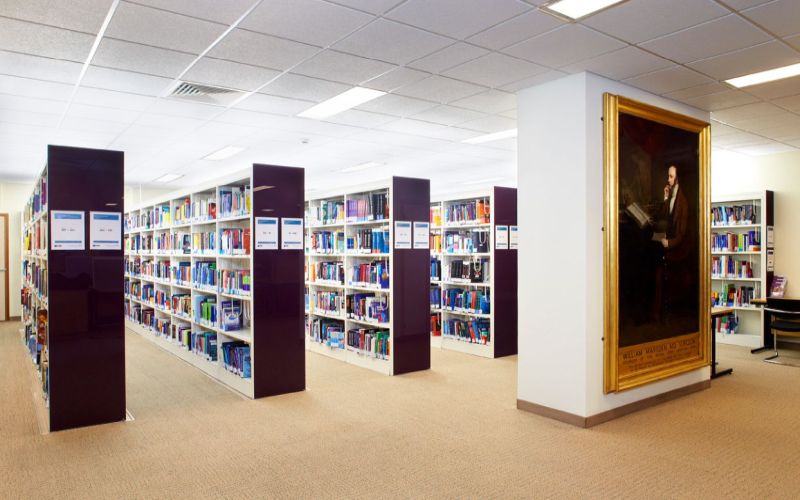
Details and booking for our regular training on finding, managing and evaluating information.
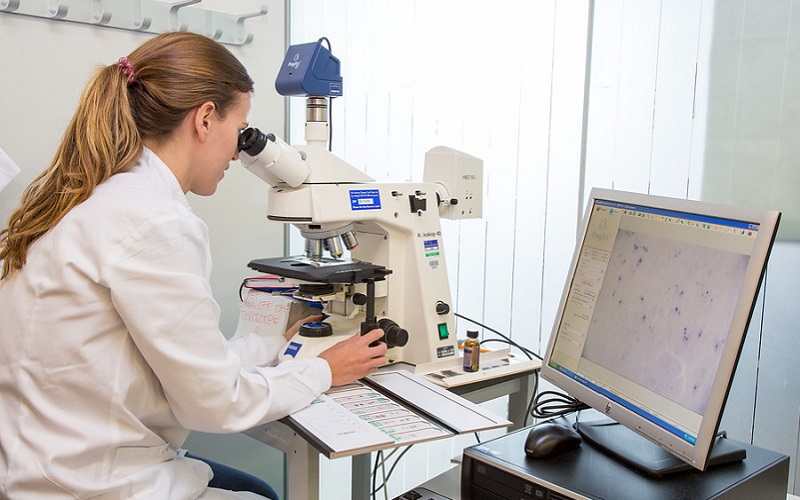
Services are available to researchers including systematic literature searching and managing research outputs.

A range of support is available to NHS staff including current awareness and a free literature search service.
 Close
Close

