 Close
Close


Study
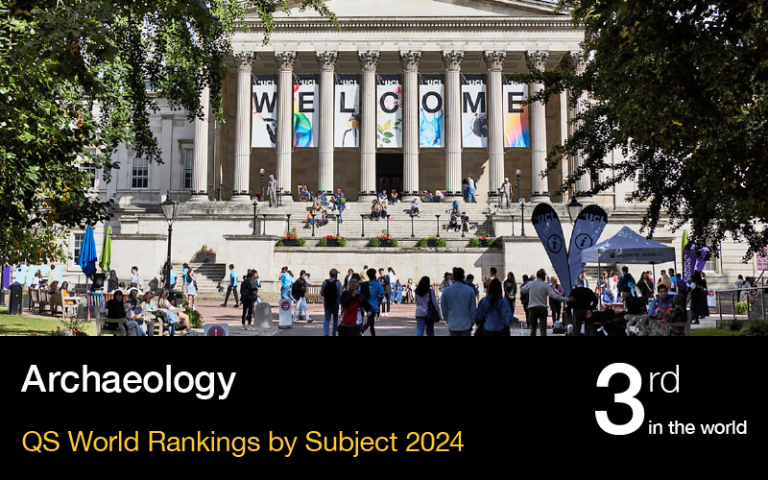
Currently ranked 3rd in the world for subject in the QS World Rankings 2024, the Institute of Archaeology - which is situated within the UCL Faculty of Social and Historical Sciences - provides a world-class environment for students at all levels of study.
Opportunities are also available to members of the public to take courses at the Institute, to overseas and affiliate students wishing to spend some time at the Institute during their own degree programmes, and to those students requiring preparation for one of the Institute's Masters Programmes. Use the links below to find out more about our different study pathways.
London has been named the best city to study in as ranked by QS Best Student Cities.
Undergraduate
Our BA and BSc degrees are designed to provide extensive general training in archaeology: you can expect to learn about a full range of theoretical, analytical and field methods from some of the world's leading archaeological researchers.
Graduate Taught
The Institute offers a diverse range of MA and MSc degrees that, unless otherwise indicated, are all available either full-time over one year (twelve months) or part-time over two years (both modes of study commence in late September).
Graduate Research Programmes
The Institute is one of the largest and most highly regarded centres for graduate studies in archaeology, cultural heritage and museum studies in Britain.
Affiliate (Junior Year Abroad) Students
A Semester or Junior Year Abroad at the Institute of Archaeology is a unique opportunity to experience a world class programme in Archaeology. Unlike many Study Abroad programmes, you will attend the same classes as and be treated exactly like the Institute's regular degree seeking students.
Graduate Diploma
The Graduate Diploma at the UCL Institute of Archaeology is fully integrated within the teaching programme of the Institute: Graduate Diploma students take a number of undergraduate courses and lectures, which follow the normal timetable of undergraduate teaching.
Intensive short courses
The UCL Institute of Archaeology offers a number of intensive short courses providing participants with the opportunity to gain specialist skills.
Life at the Institute of Archaeology
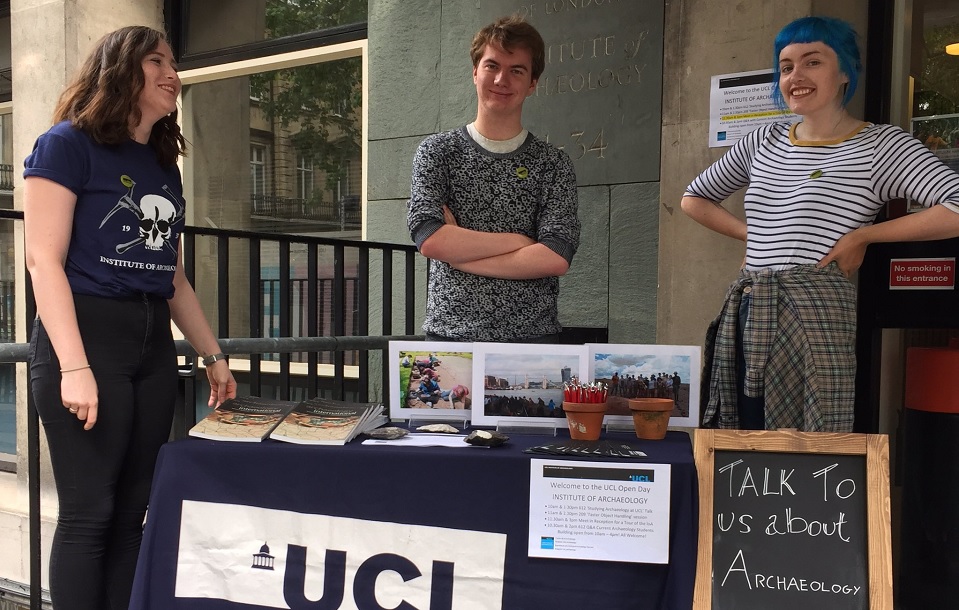
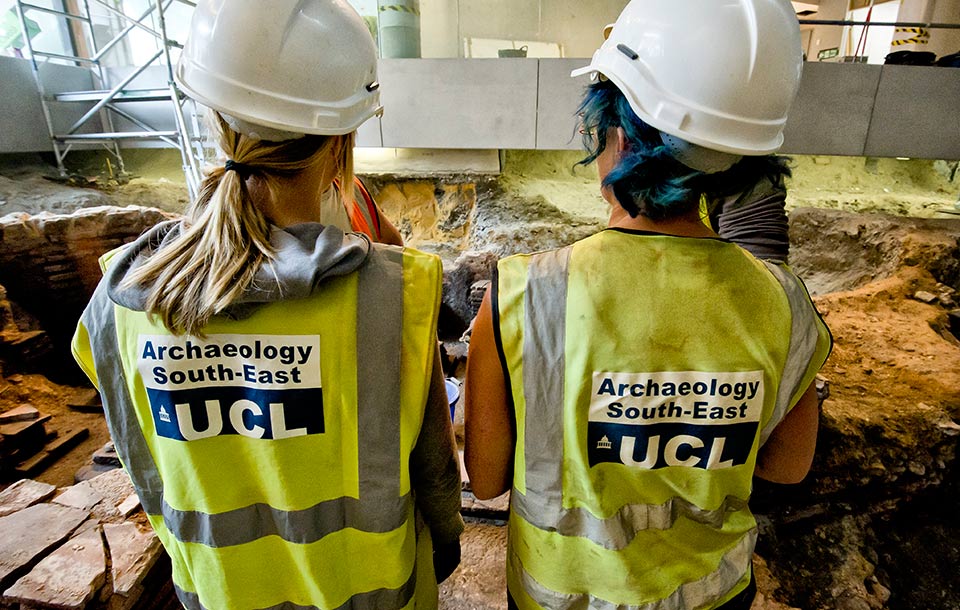
Take a look around our world-class Institute. See for yourself what it's like to study with us.

 |  |  |


